Project management for renewable energy installers
Every Project, From Site Survey To Handover, On One Plan
Stages your team actually follows, crews that report from the roof, and an AI assistant that tells you what needs you today.
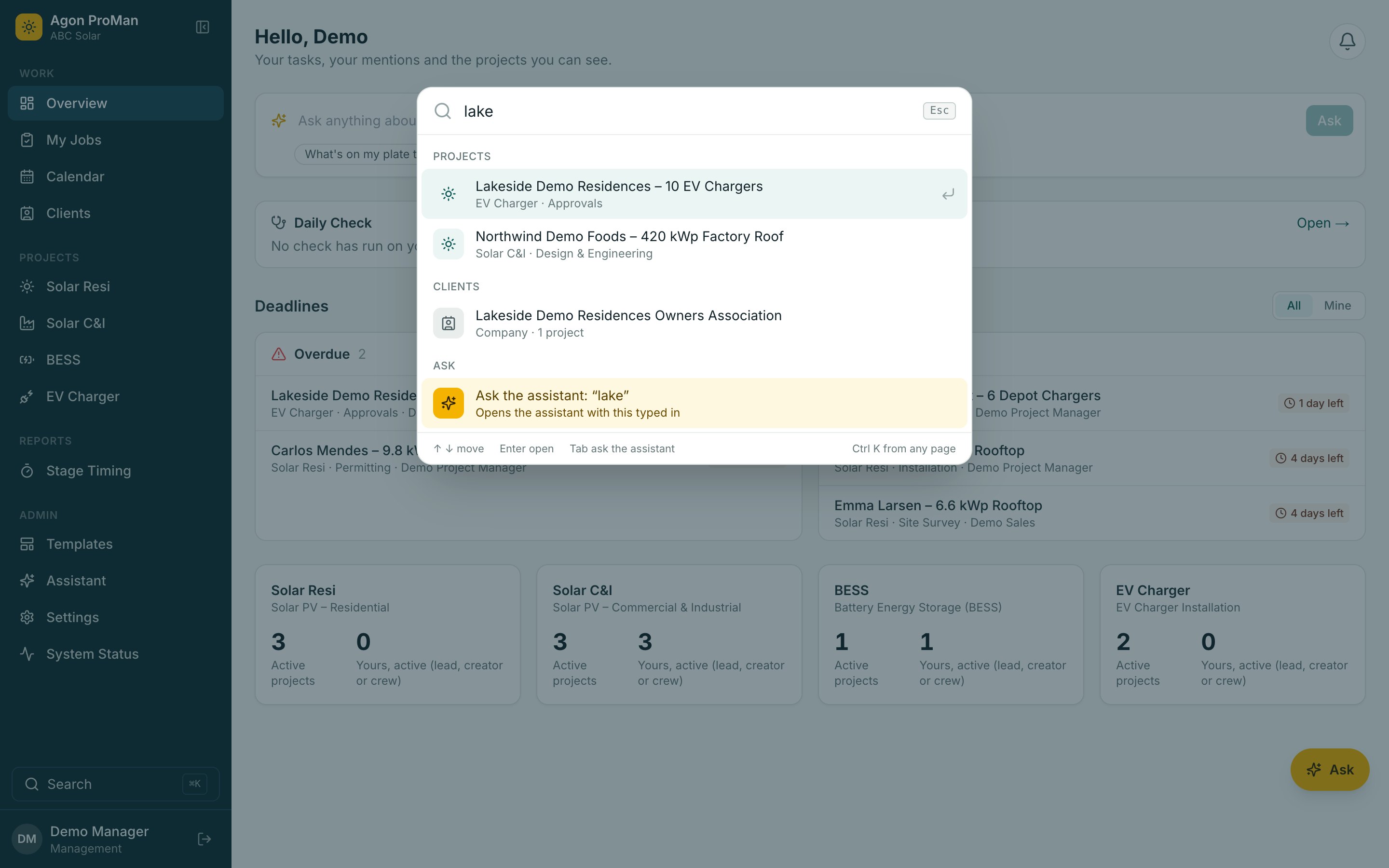
How it works
The Office And The Roof, Working From The Same Plan
Most installers run projects across spreadsheets, chat groups and memory. Agon ProMan puts the plan, the crews and the paperwork in one place.
Set Your Stages
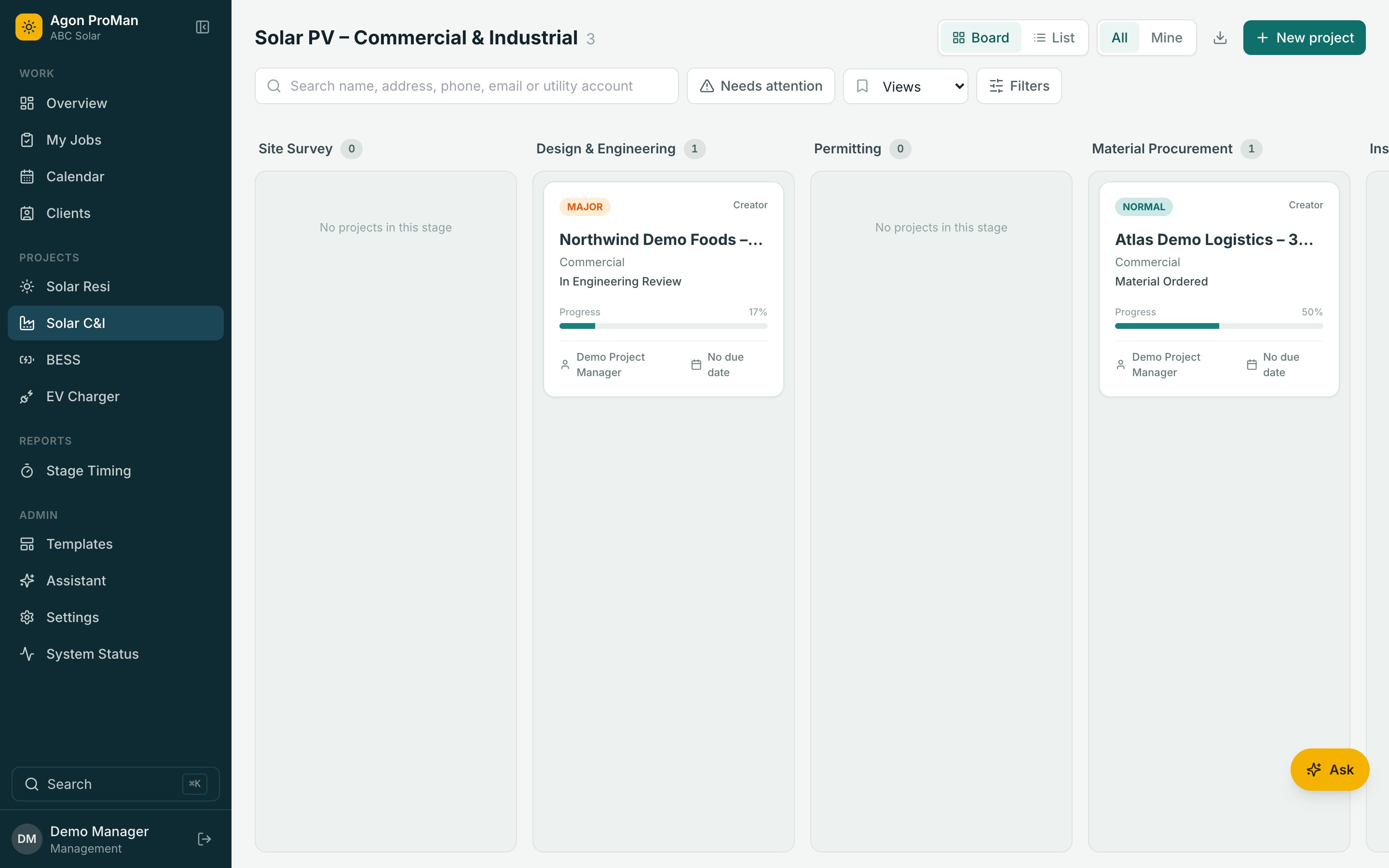
Site survey, design, permits, installation, inspection. Required fields stop half-finished handovers between teams.
Book The Crews
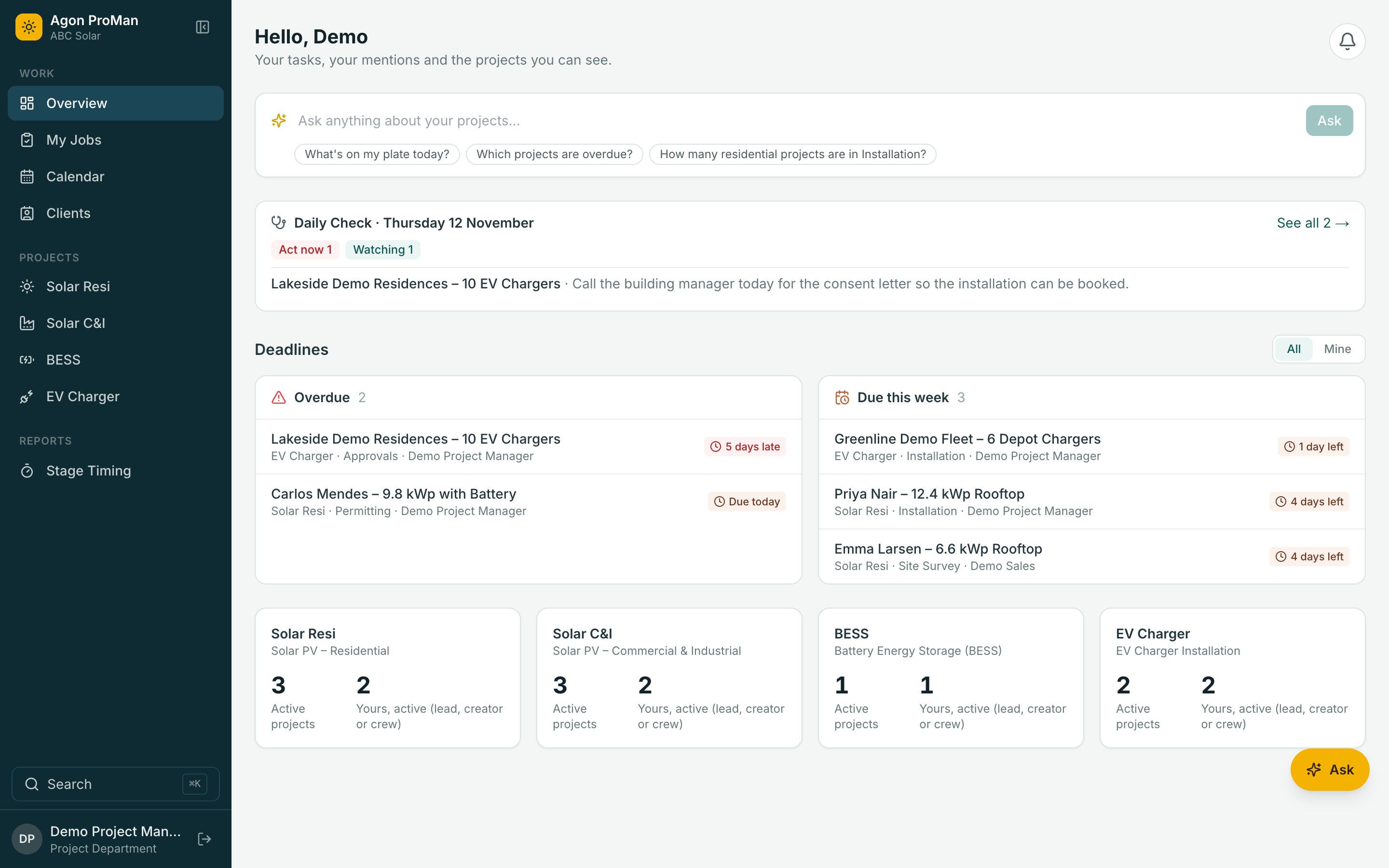
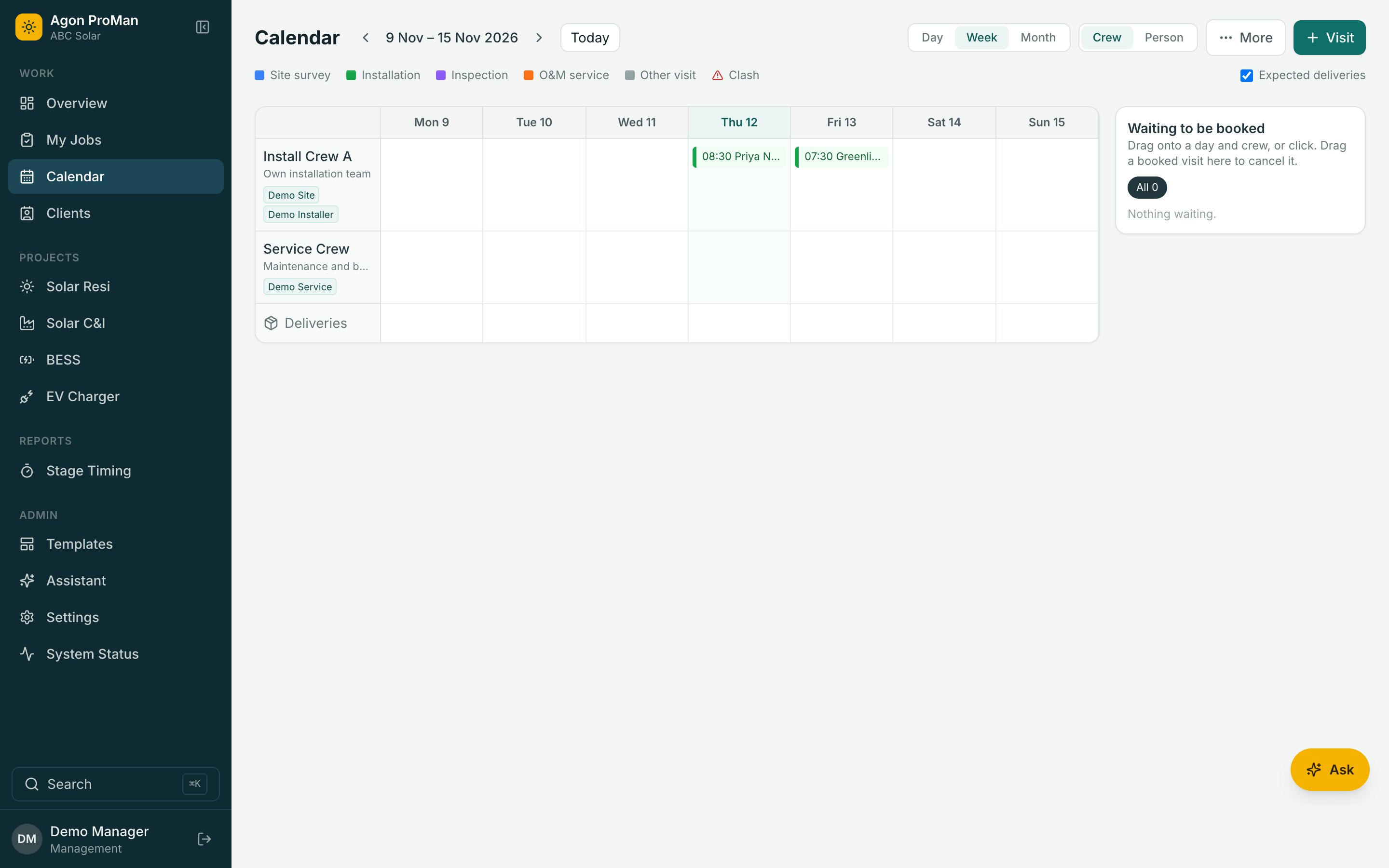
One calendar for crews, visits, public holidays and leave. See who is on site right now, and who is running late.
See What's Stuck
Deadlines, overdue stages and a daily check across every project, so problems surface before the customer calls.
Stage by stage
Nothing Moves On Half Done
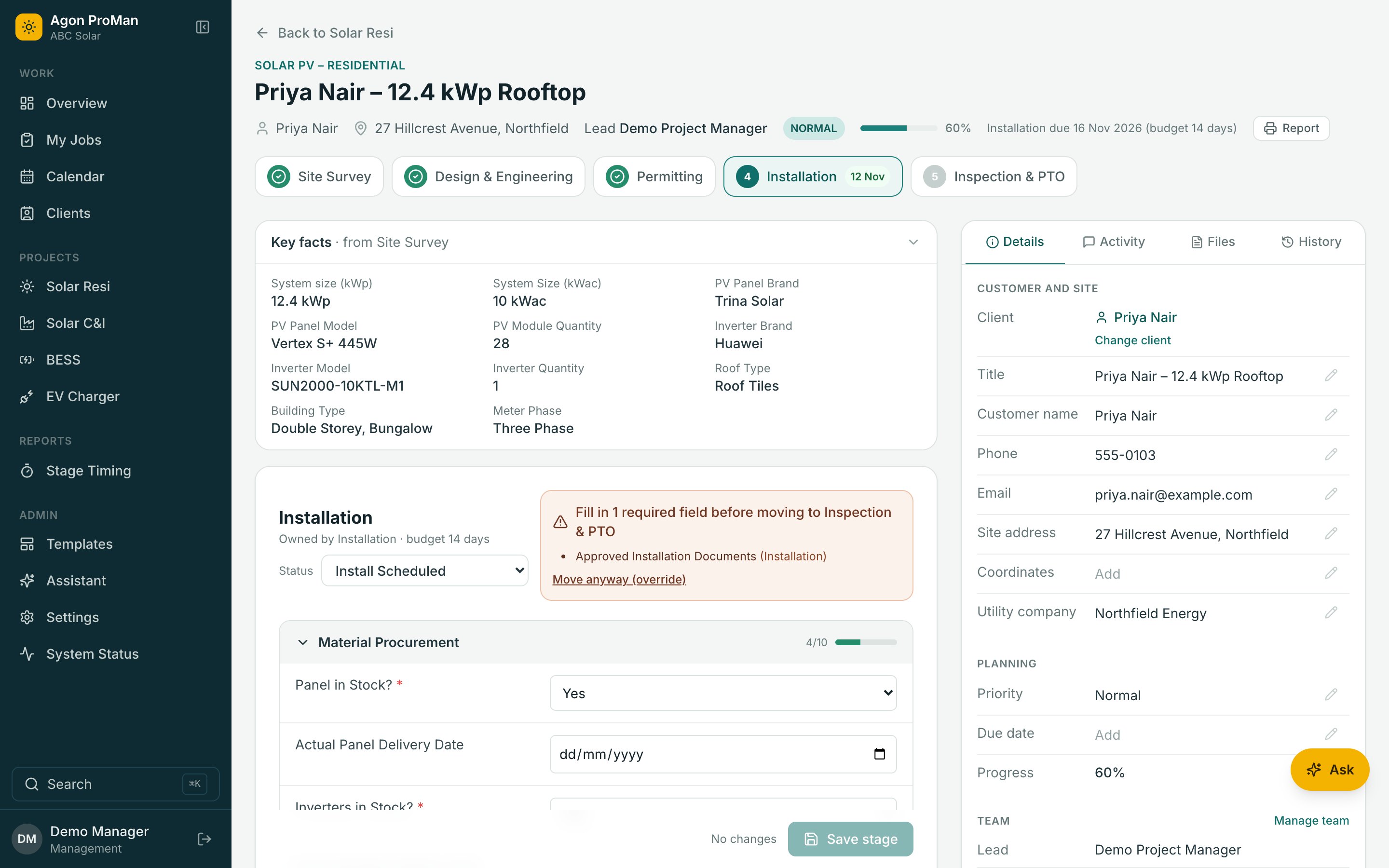
Each stage knows what it needs. Click a stage to see what the project is waiting for.
Site Survey
Roof and site details captured on a phone. Required fields are checked before the project can move on, so nothing arrives at the next team half done.
Design
Layouts, drawings and the bill of materials. Required fields are checked before the project can move on, so nothing arrives at the next team half done.
Permits
Applications and approvals, with their documents. Required fields are checked before the project can move on, so nothing arrives at the next team half done.
Installation
Crews on site, photos and serial numbers. Required fields are checked before the project can move on, so nothing arrives at the next team half done.
Inspection & Handover
Testing, sign-off and final payment. Required fields are checked before the project can move on, so nothing arrives at the next team half done.
AI Assistant
It Does The Checking. You Make The Decisions.
Ask in plain words. The assistant reads your projects, finds what's blocking a stage and prepares the change. Nothing happens until you approve it.
Pick a question to watch it work. This is a replay with sample data.
ProCrew for the field
One Job, One Next Step, Even With No Signal
Tap the phone. The office calendar below updates as the crew moves. Then switch the signal off and keep tapping.
Office Calendar · Today
Solutions
One System, Six Jobs Done
ProMan
Project management from site survey to handover.
Learn More →ProCrew
The field app for crews, with or without signal.
Learn More →AI Assistant
Ask, check and prepare changes you approve.
Learn More →Scheduling
Crews, visits, holidays and who's on site now.
Learn More →Templates & Reports
Your stages, your forms, your branded reports.
Learn More →Data Migration
Projects, files and comments moved for you.
Learn More →Industries
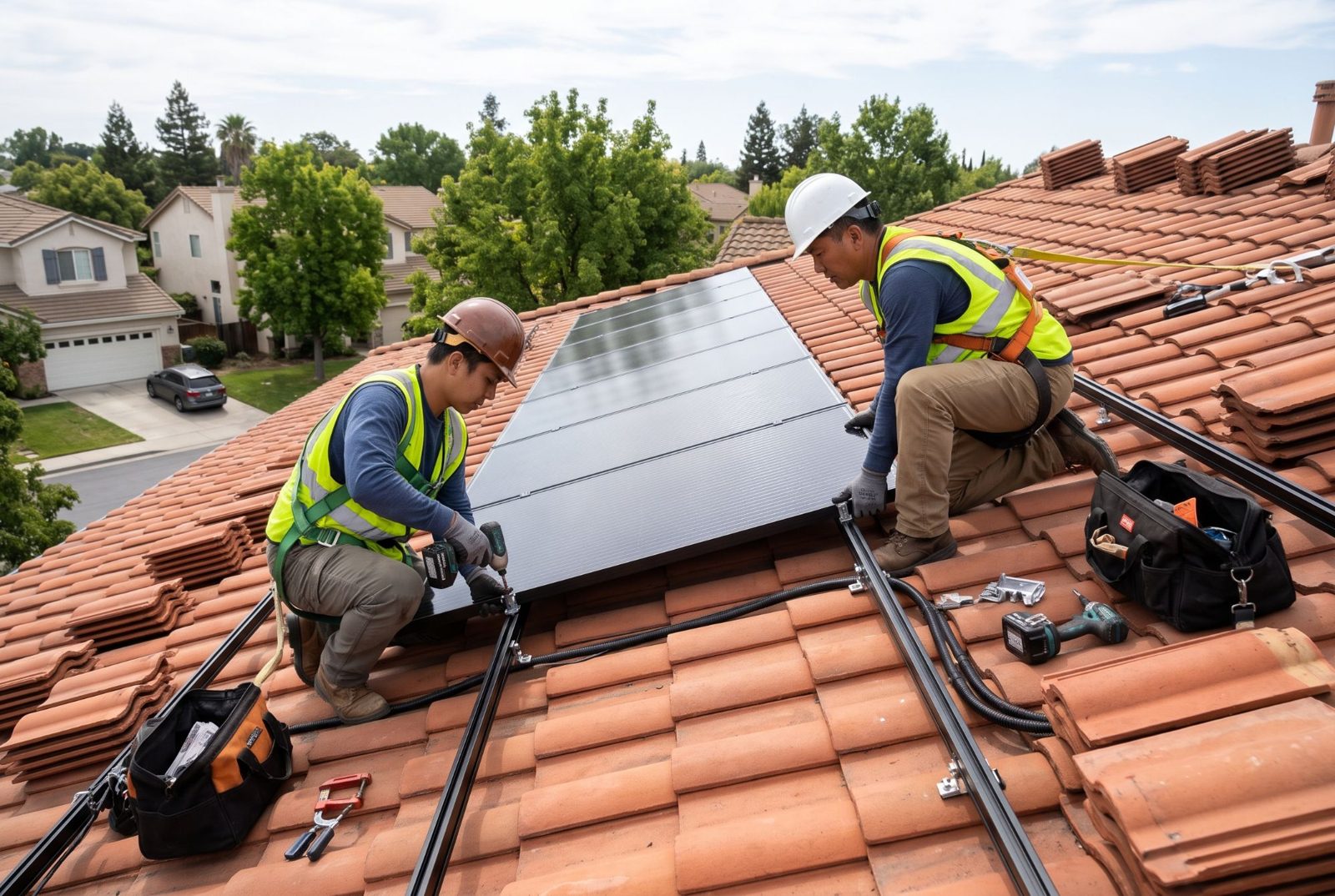
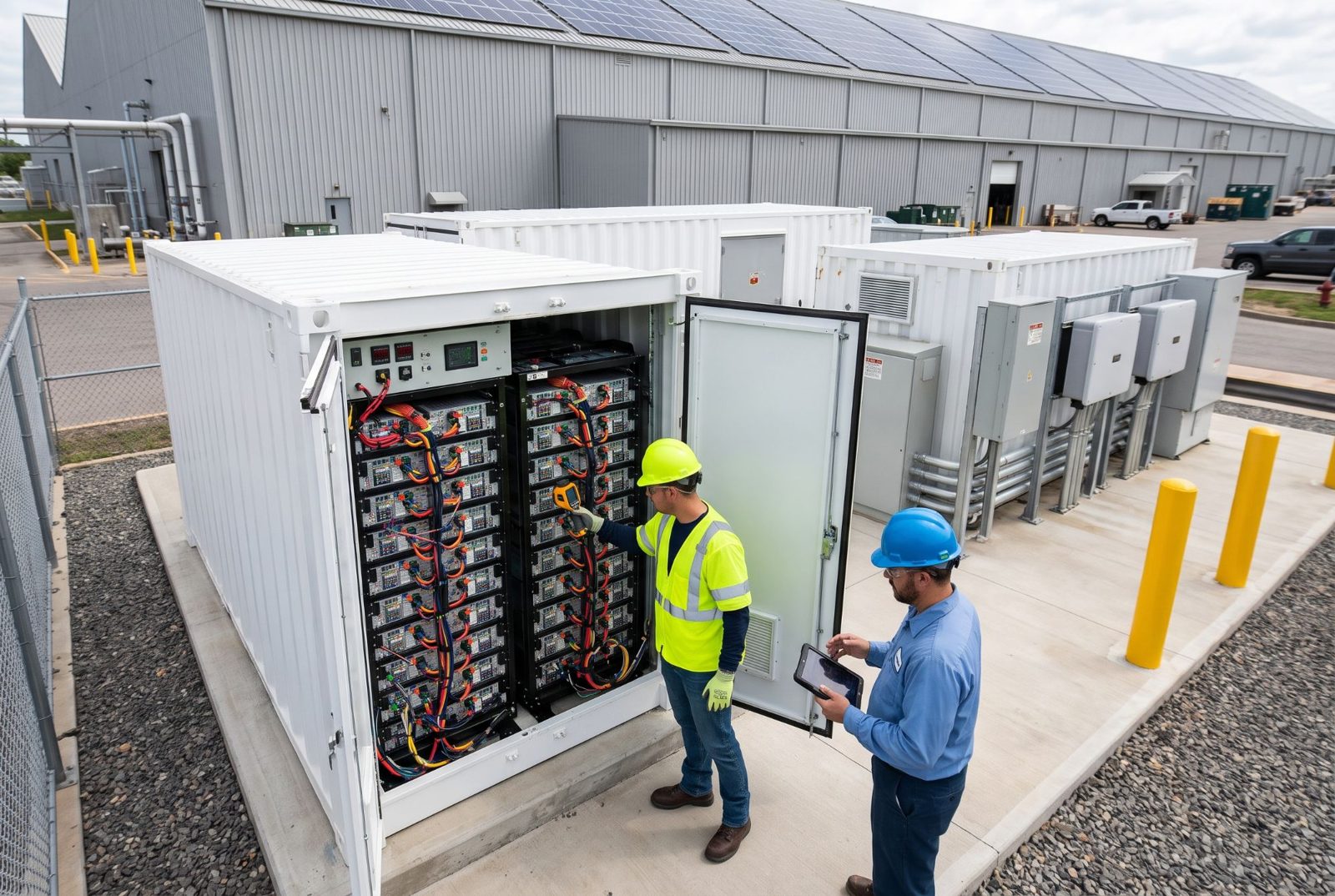
Built For The Work Installers Do
Each project type comes with its own stages and forms, ready on day one, and yours to change.


Pricing
Unlimited Users. One Subscription.
Per-user pricing makes you choose who gets to see the plan. We don't charge by headcount, so everyone who touches a project can be in it.
- Office staff, crews and subcontractors all included
- No shared logins, no seats to juggle
- Costs stay predictable as you hire
Who's Included?
Make it yours
Your Stages, Your Forms, Your Colours
Edit project types without a developer, print reports on your letterhead, and pick the theme your team likes. Try it: this whole page follows the theme.
Questions
Straight Answers
Do crews need internet on site?
No. ProCrew saves the day's jobs on the phone. Crews can open a job, fill in forms, take photos and tap through the visit with no signal. Everything is sent, with the times it actually happened, when the signal returns.
How is pricing different from per-user tools?
Per-user pricing charges you for every person who needs to look at a project, so companies end up sharing logins or leaving crews out. Agon ProMan is one subscription for the whole company: office staff, crews and subcontractors are all included.
What does the AI assistant see?
Only what the person asking is allowed to see. Restricted fields such as contracts, payments and identity documents, and customer phone numbers and emails, are never sent to the AI. It can prepare changes, but nothing changes until a person approves it.
Can it follow our own process?
Yes. Each project type has its own stages, forms, required fields and statuses, and you can edit them yourself. Solar residential, commercial and industrial solar, battery storage and EV charging come ready to use.
We already have years of projects in another system. Can we bring them?
Yes. We move your projects, stage data, files and comments across, and can run the two side by side while your team switches over, bringing across whatever changed in the meantime.
Does it work on phones and tablets?
Yes. The office app works in any modern browser. ProCrew installs to the home screen on Android and iPhone straight from the browser, with no app store needed.
Which countries and time zones are supported?
Any. You choose your country and time zone in settings, and deadlines, the calendar and reports follow it. Public holidays are yours to set.
See Agon ProMan With Your Own Project Types
A 30-minute walkthrough with your stages, your crews and your questions. No per-user pricing, so bring the whole team.