AI Assistant
An Assistant That Knows Your Projects
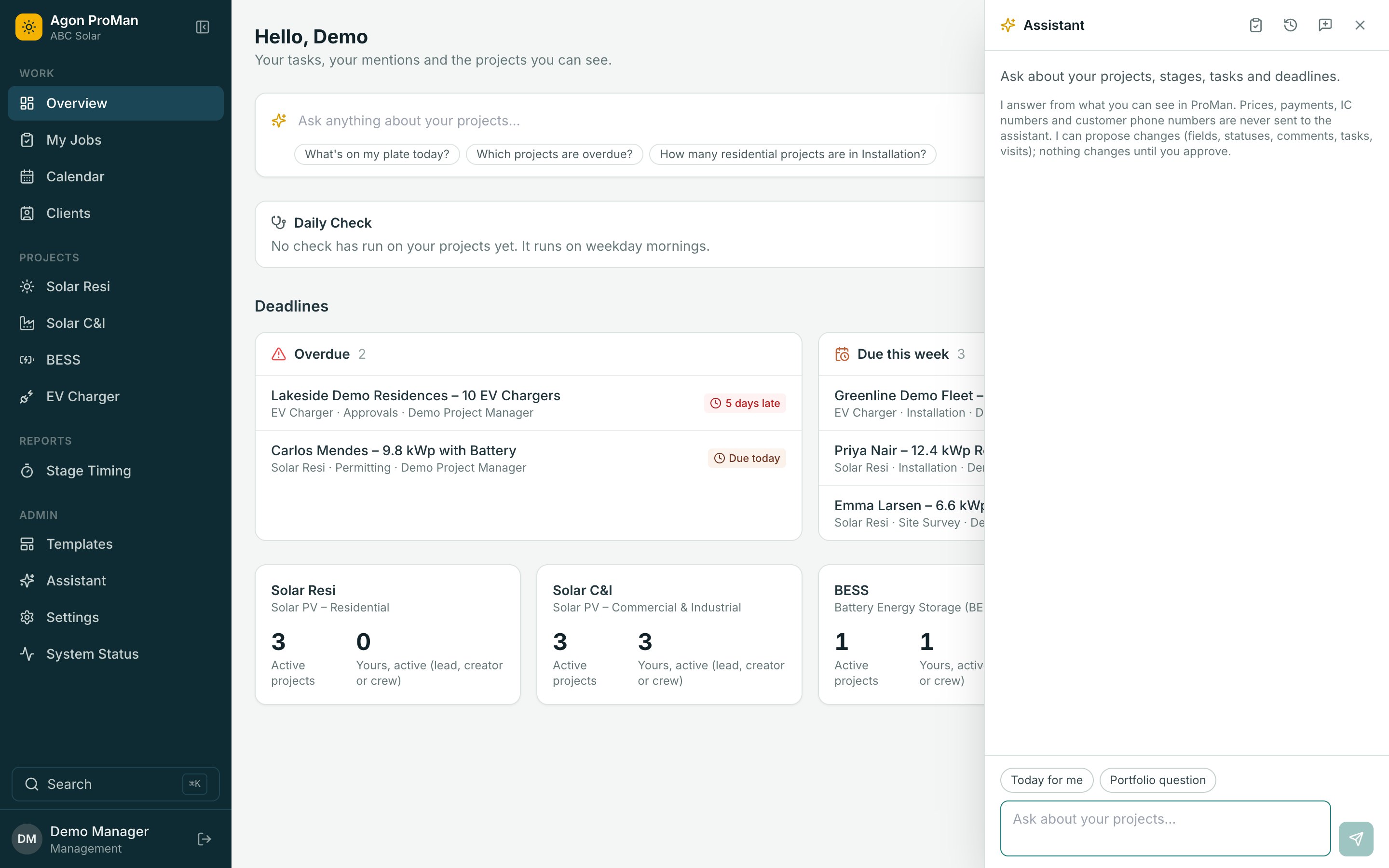
Ask a question in plain words and get an answer from your own data, with links. Ask for a change and it prepares it for your approval. It never acts alone.
Ask
Answers From Your Data, Not From Guesswork
The assistant reads projects, stages, tasks, deadlines, visits, clients and your documents, and tells you what it checked.
- “Which installs are waiting on the utility?”
- “Who's on site now, and who's late?”
- “What's holding up this project?”
- “What does the approval letter say about the meter?”
Act, with approval
It Prepares The Change. You Approve It.
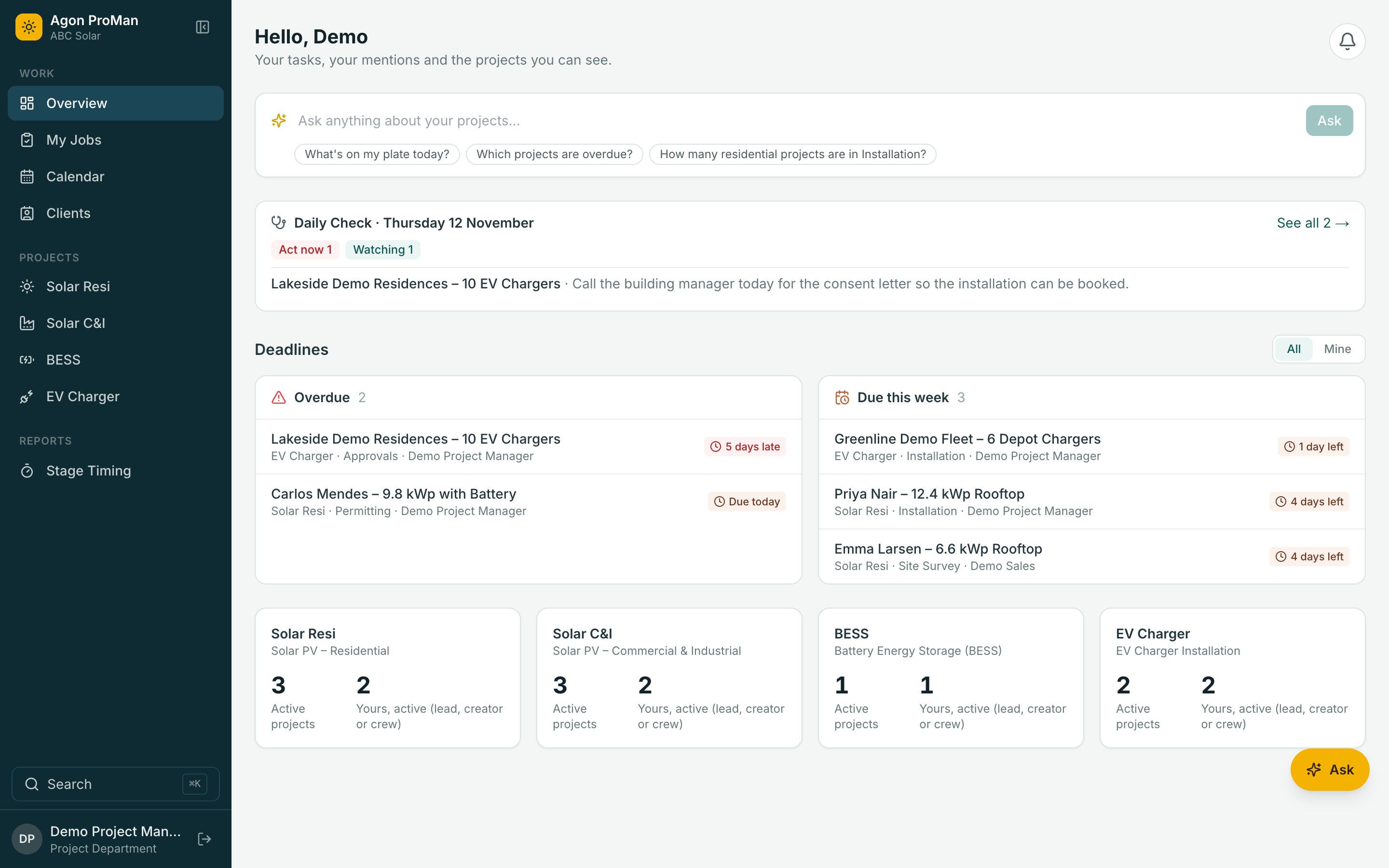
Fill in a field, move a stage, add a task, book or move a visit. Each one arrives as a card showing exactly what will change. One click approves it; nothing happens otherwise.
- Every change is made as you, with your permissions
- Recorded in the project's history as “via assistant”
- Refuses what you couldn't do yourself
Daily check
Every Project, Checked Every Morning
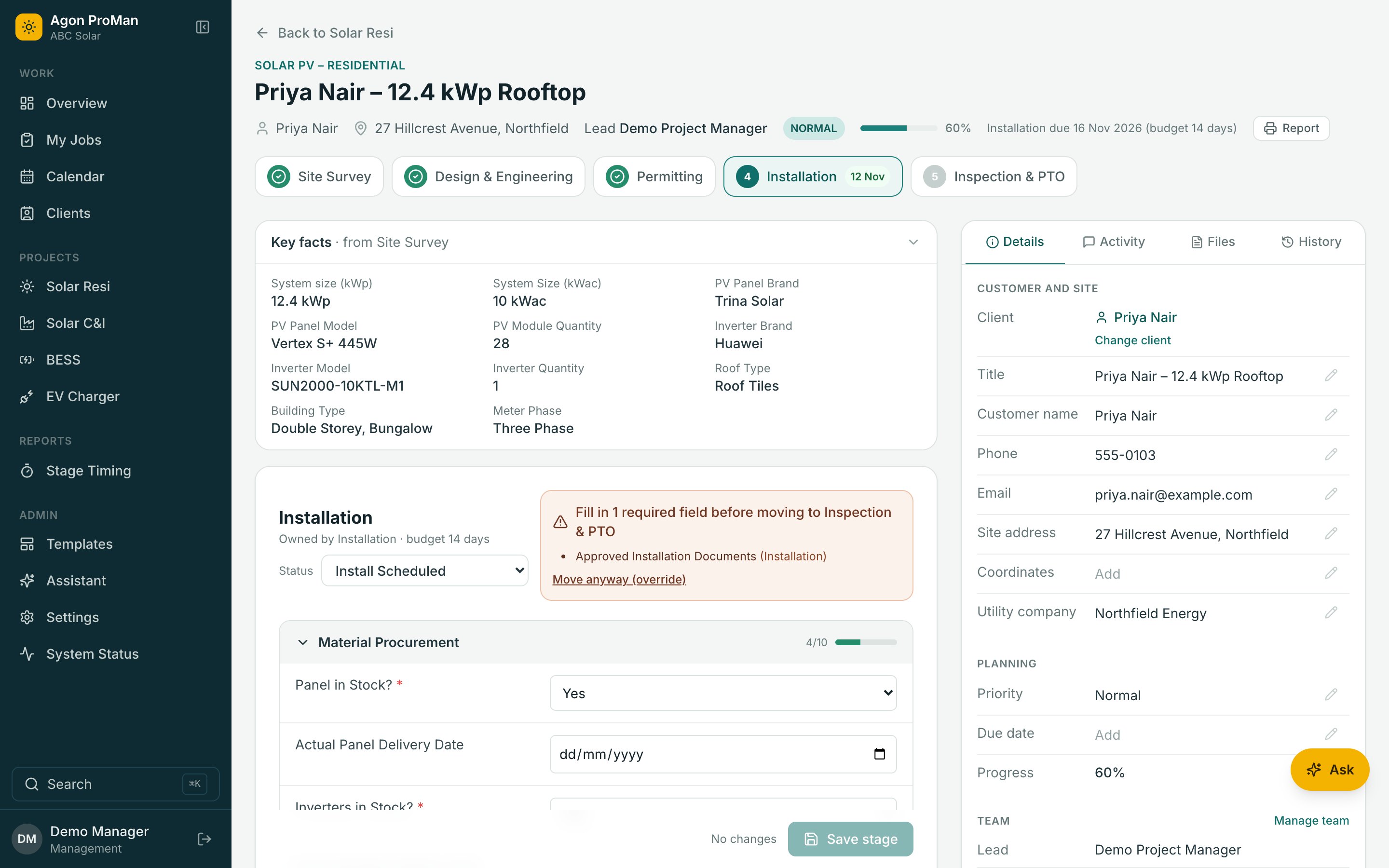
Before your day starts, fixed rules flag projects that are late, stuck or going quiet, and the assistant reviews each one: act now, watch, or no action, with its reason.
AI Assistant
It Does The Checking. You Make The Decisions.
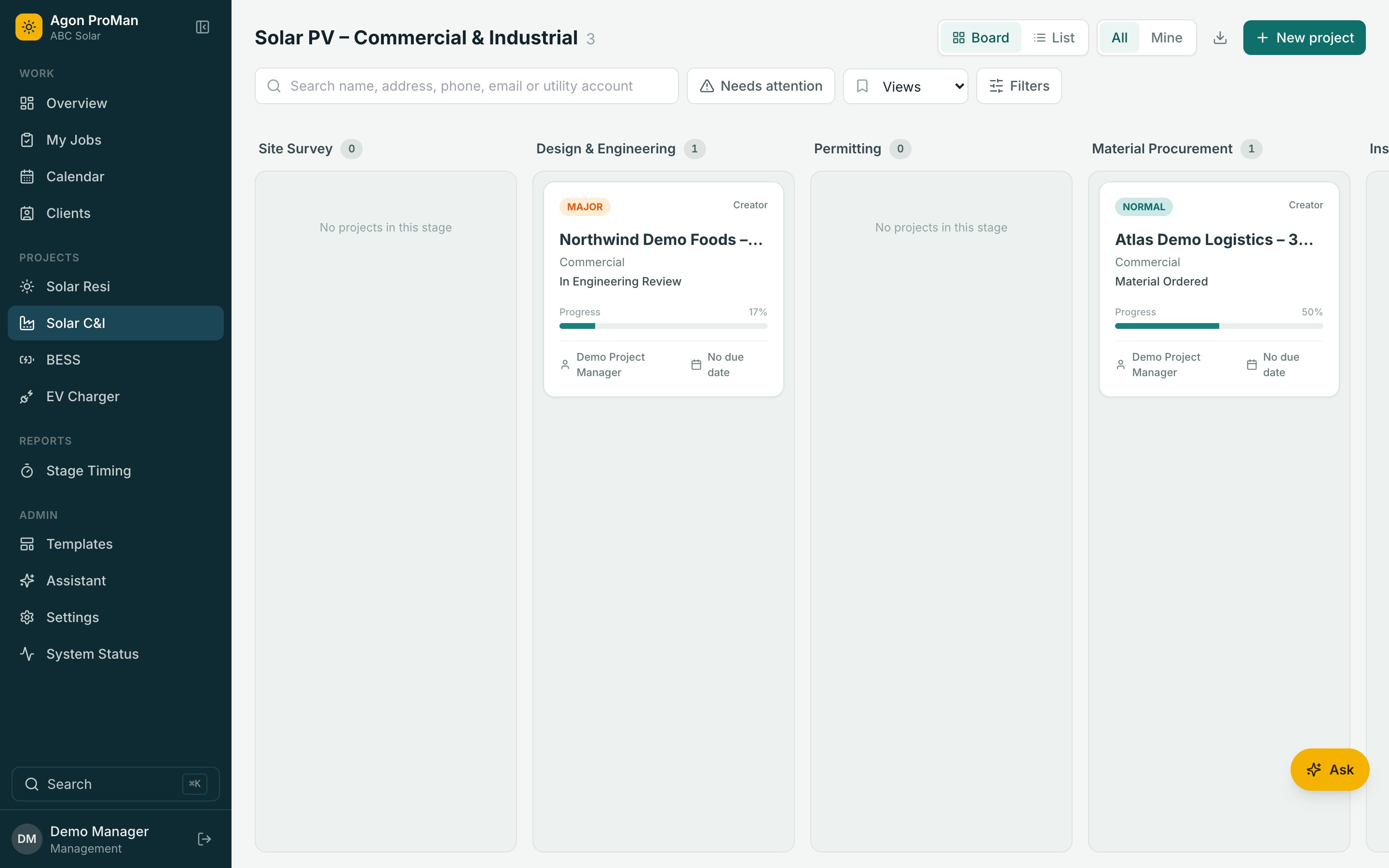
Ask in plain words. The assistant reads your projects, finds what's blocking a stage and prepares the change. Nothing happens until you approve it.
Pick a question to watch it work. This is a replay with sample data.
Built to be trusted
What The Assistant Can't Do Matters As Much
Sees Only What You Can See
It works with your permissions. A project you can't open doesn't exist for it either.
Sensitive Data Stays Out
Contracts, payments, identity documents and customer phone numbers and emails are never sent to the AI.
Never Acts Alone
It can't delete, send email or change people and permissions. Every change waits for your approval.
A Budget You Control
Set a daily spending limit per person and choose the AI model. Usage is shown to administrators.
Your Procedures, Your Words
Add your own knowledge pages, such as approval steps and checklists, and the assistant answers from them.
For The Roles You Choose
Turn the assistant on for the departments that should have it, and leave it off for the rest.
See Agon ProMan With Your Own Project Types
A 30-minute walkthrough with your stages, your crews and your questions. No per-user pricing, so bring the whole team.