ProMan
Project Management That Follows Your Process
Every project moves through the stages you define. Each stage has its form, its required fields and its owner, so the next team always gets what it needs.
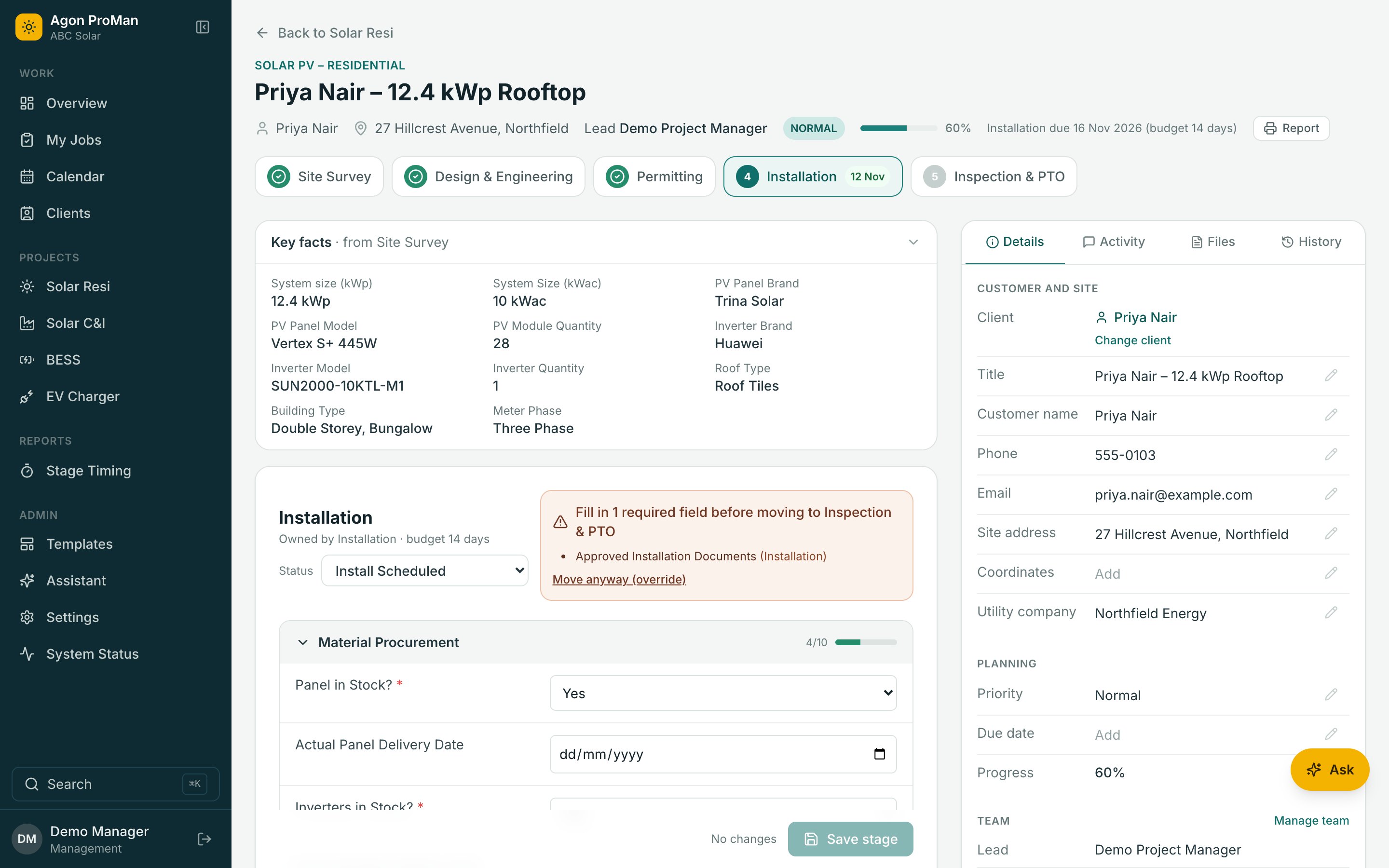
Stages and gates
Handovers That Can't Be Skipped
A stage won't close until its required fields are filled. If a manager needs to move on anyway, they give a reason, and it's recorded.
- Stage forms with required fields and file uploads
- Statuses per stage, with rules for what comes next
- Time budgets per stage, and a report of where time goes
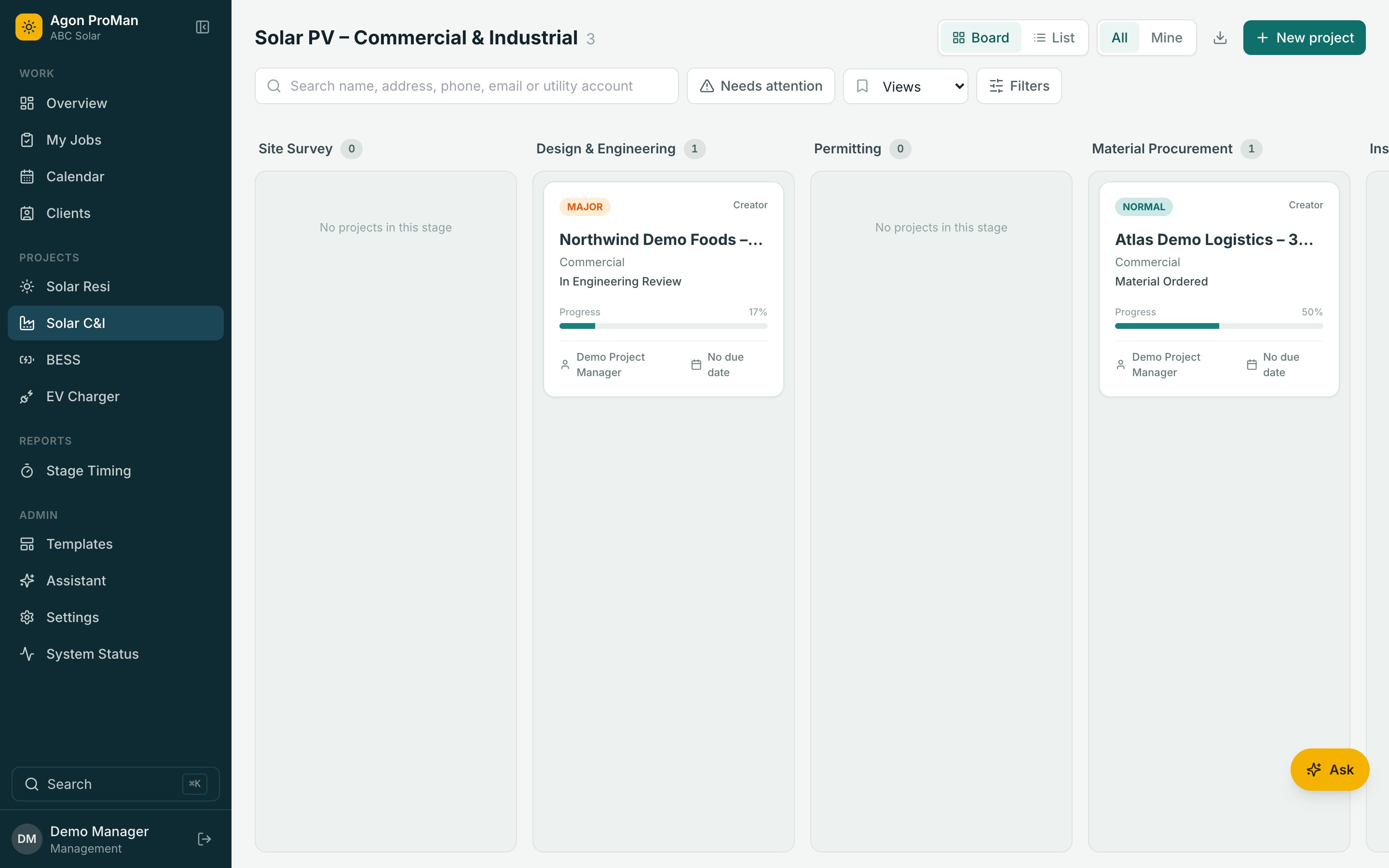
Activity
The Conversation Lives On The Project
Comments, tasks and files sit beside the stage they're about, down to the exact form field. No more scrolling through chat groups to find the roof photo.
- Comment or assign a task on any field
- @mention a colleague; they see it under their work
- A full history of who changed what, and when
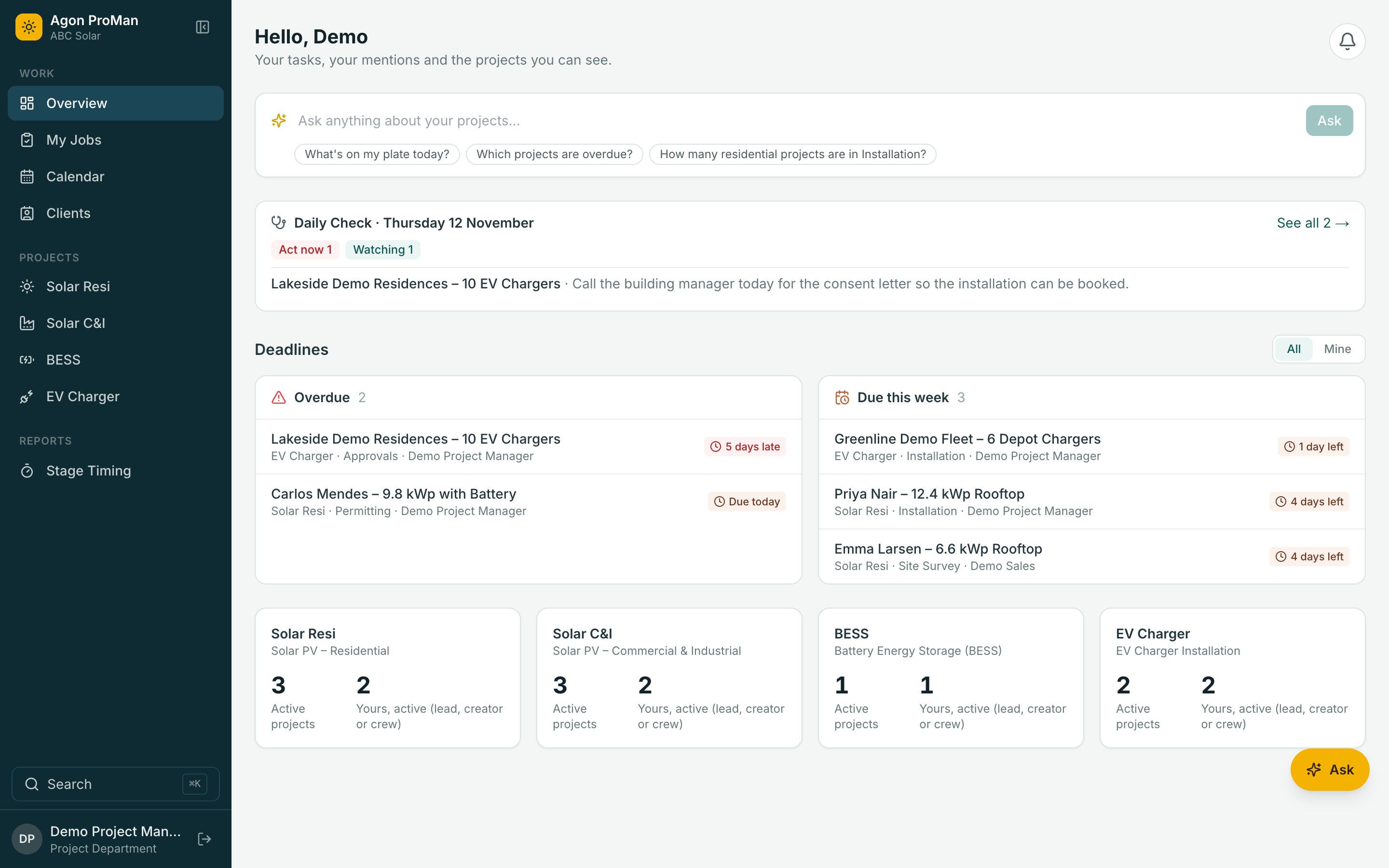
Find anything
Any Project, In A Second
Press Ctrl K on any page and type a name, an address or a client. Jump to projects, clients and settings without touching the menu.
- Search across every project type at once
- Boards and lists with filters you can save
- Export to a spreadsheet when you need to
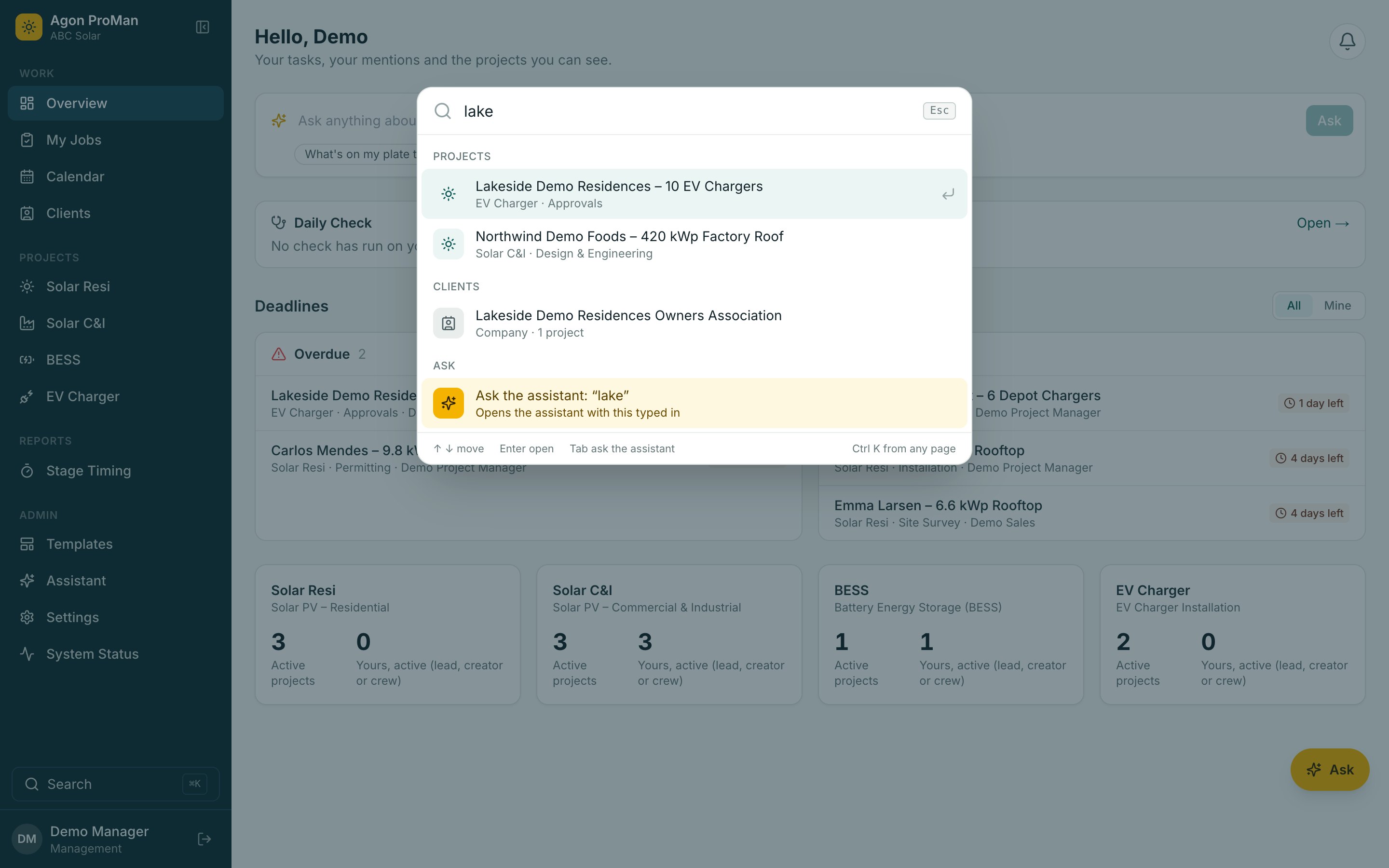
Clients
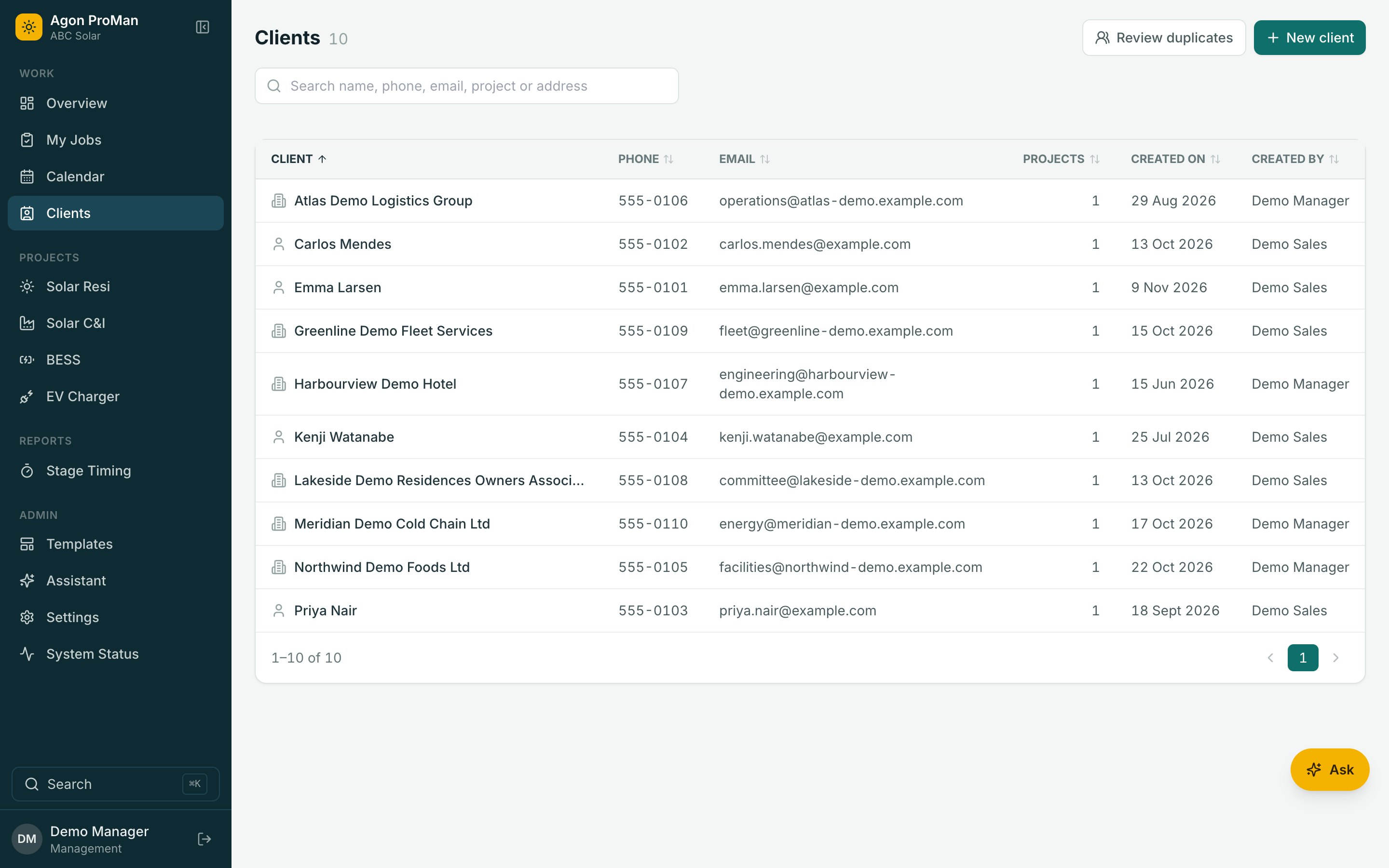
One Record Per Client, All Their Installations
Repeat customers and multi-site companies keep one record, with every project under it. Details are entered once and stay consistent.
See Agon ProMan With Your Own Project Types
A 30-minute walkthrough with your stages, your crews and your questions. No per-user pricing, so bring the whole team.