ProCrew
The Field App Crews Actually Use
Open the phone, see today's jobs, tap the next step. ProCrew is built for one hand on a roof, and it keeps working when the signal doesn't.
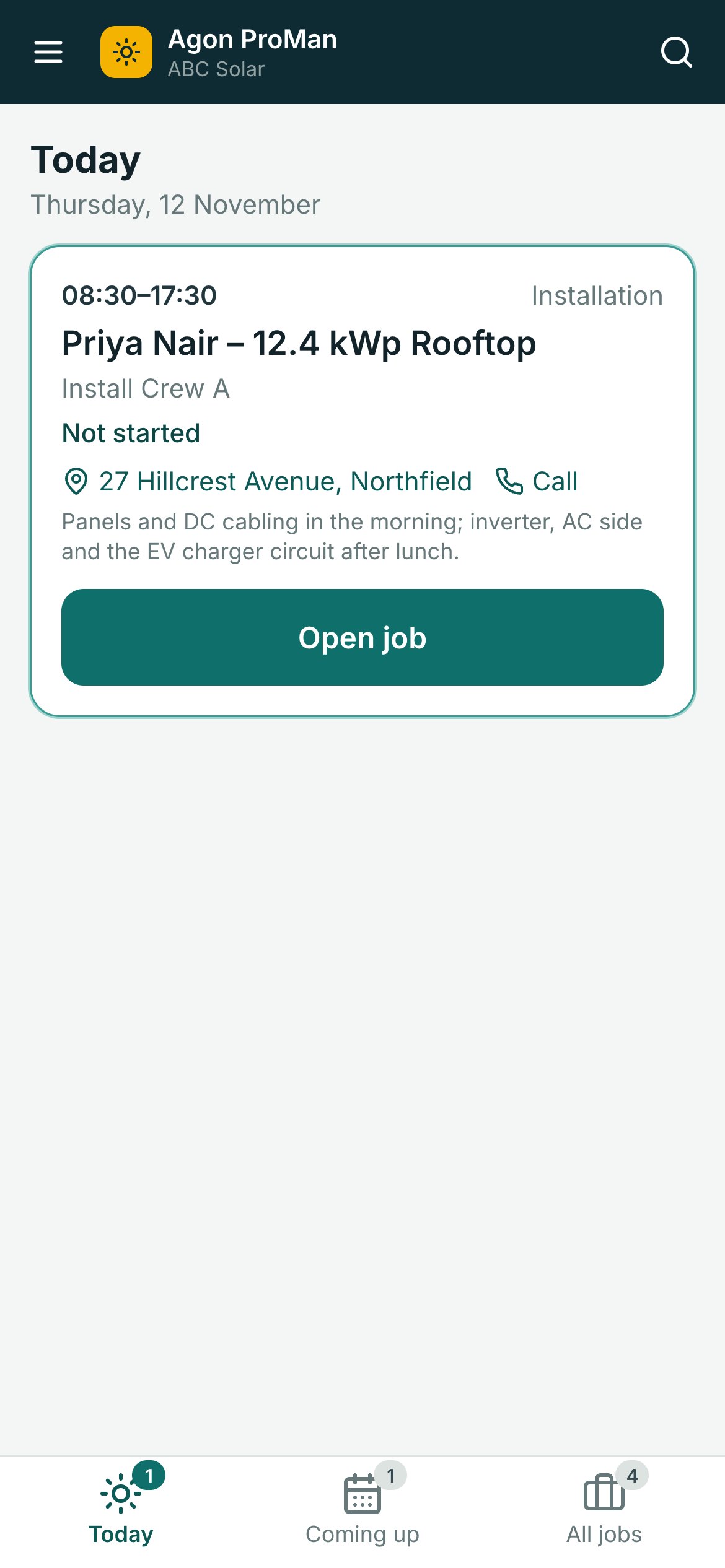
Today
One Job, One Next Step
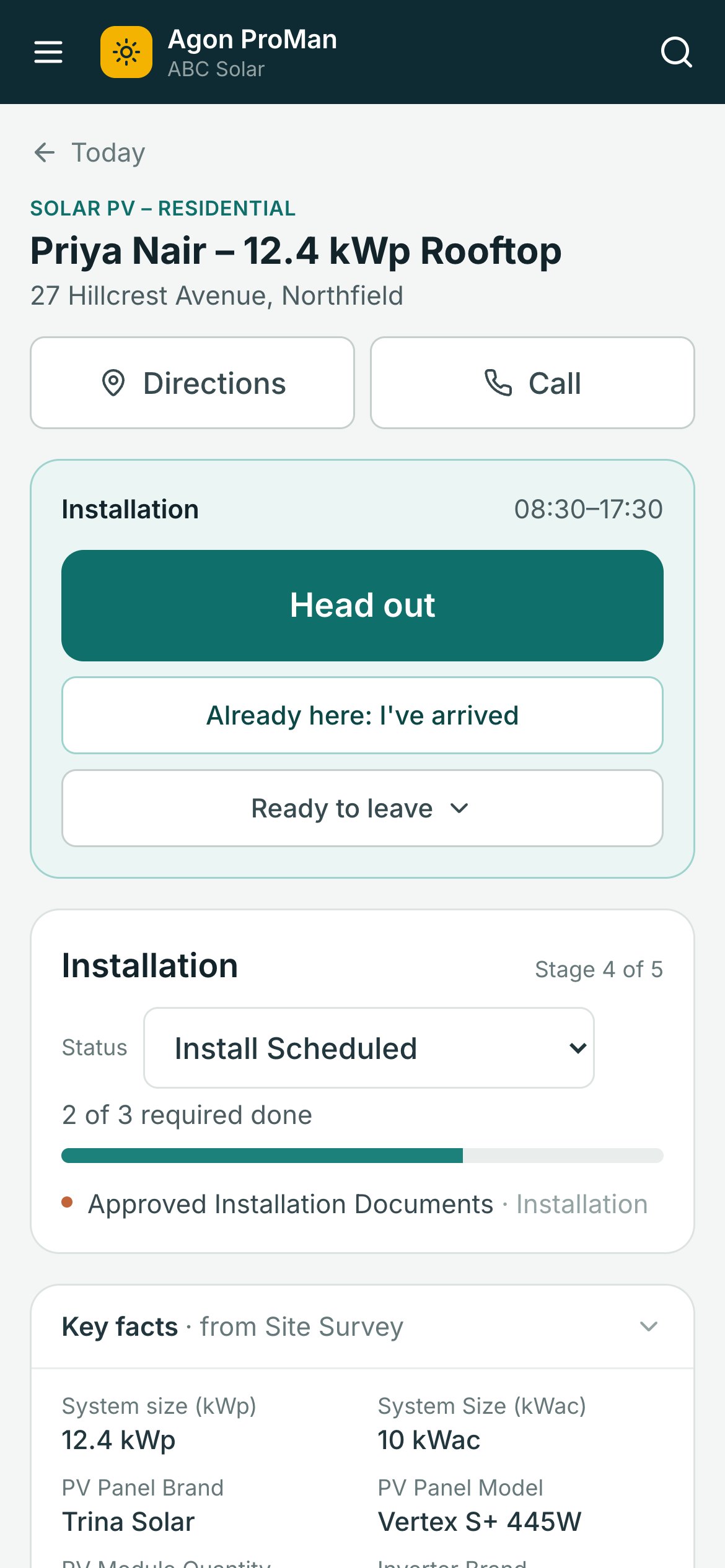
Head out, I've arrived, Start work, Ready to leave. Each tap takes a second, and the office sees it live on the calendar.
- Today's visits in the order the crew does them
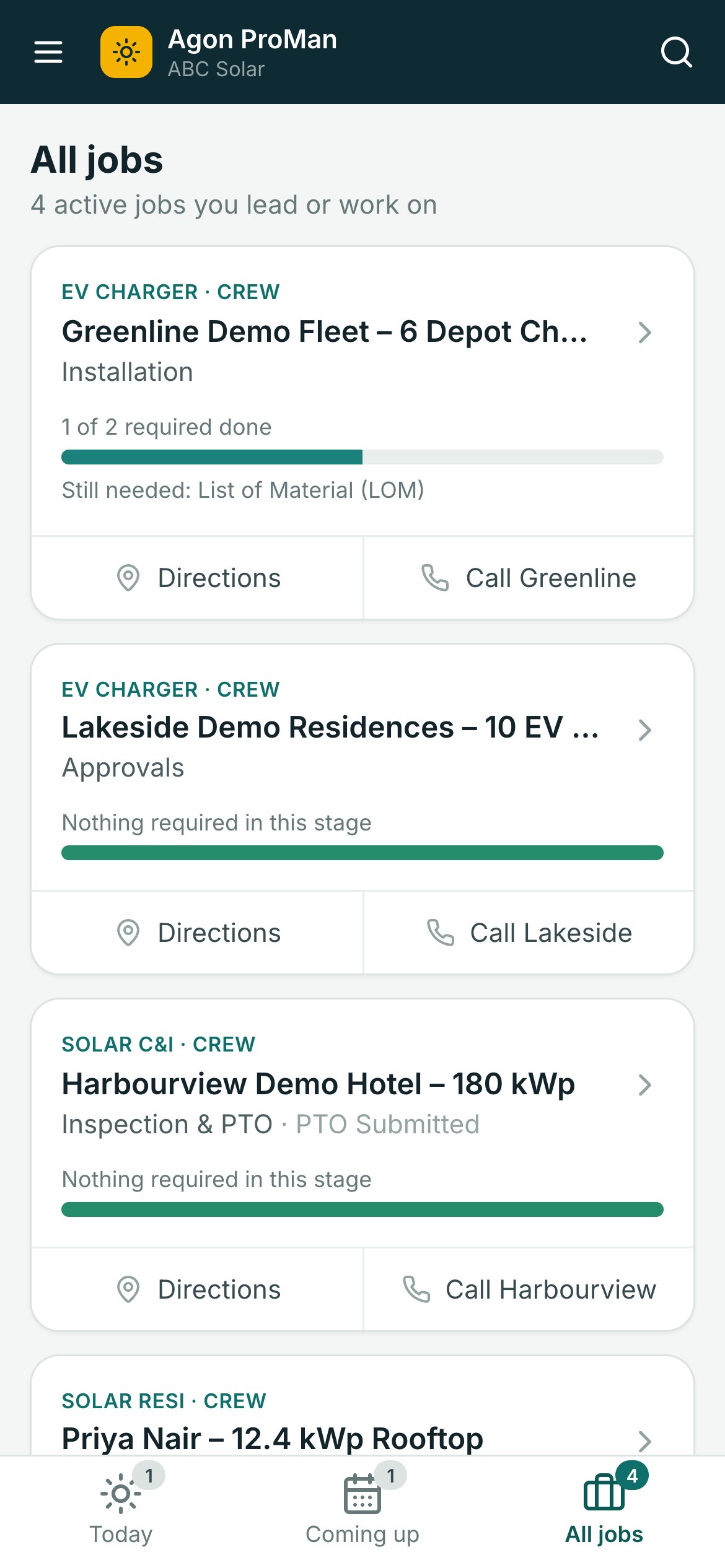
- Directions and a call button on every job
- Coming up and All jobs one tap away
No signal, no problem
Works In Basements, On Rooftops And Out Of Town
The day's jobs are saved on the phone each morning. Forms, photos and taps are kept on the phone and sent when the signal comes back, with the times they really happened.
- Installs from the browser: no app store
- Photos stamped with time and place
- A clear list of what's still waiting to send
Before leaving site
Catch What's Missing While The Crew Is Still There
Ready to leave shows required fields still empty and tasks still open, then asks how the day ended: back tomorrow, finished, or a return visit is needed, with the reason.
- Fewer return trips for a forgotten photo
- Return visits land on the planner's list at once
- Finishing a visit can move the project's stage on
ProCrew for the field
One Job, One Next Step, Even With No Signal
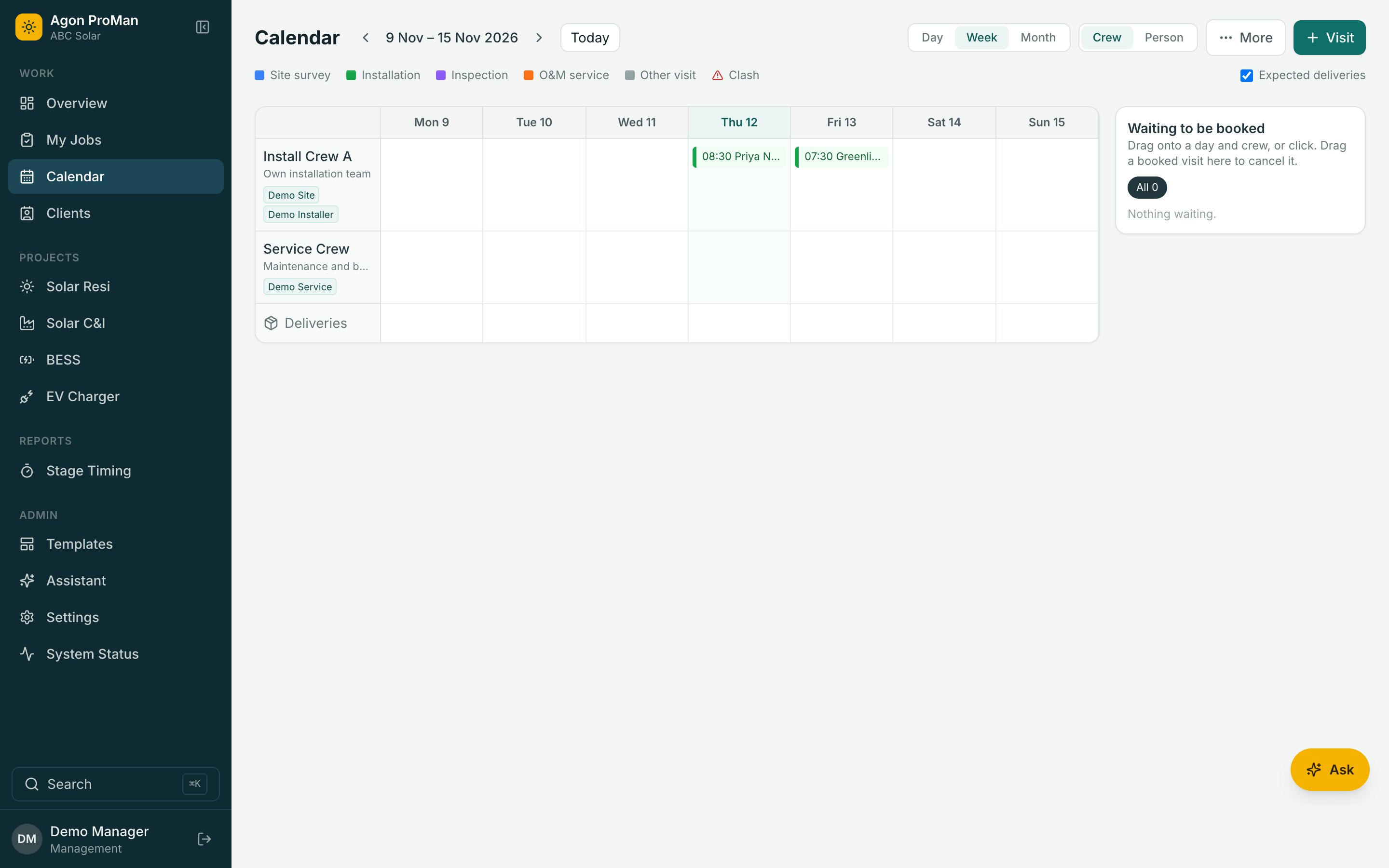
Tap the phone. The office calendar below updates as the crew moves. Then switch the signal off and keep tapping.
Office Calendar · Today
See Agon ProMan With Your Own Project Types
A 30-minute walkthrough with your stages, your crews and your questions. No per-user pricing, so bring the whole team.